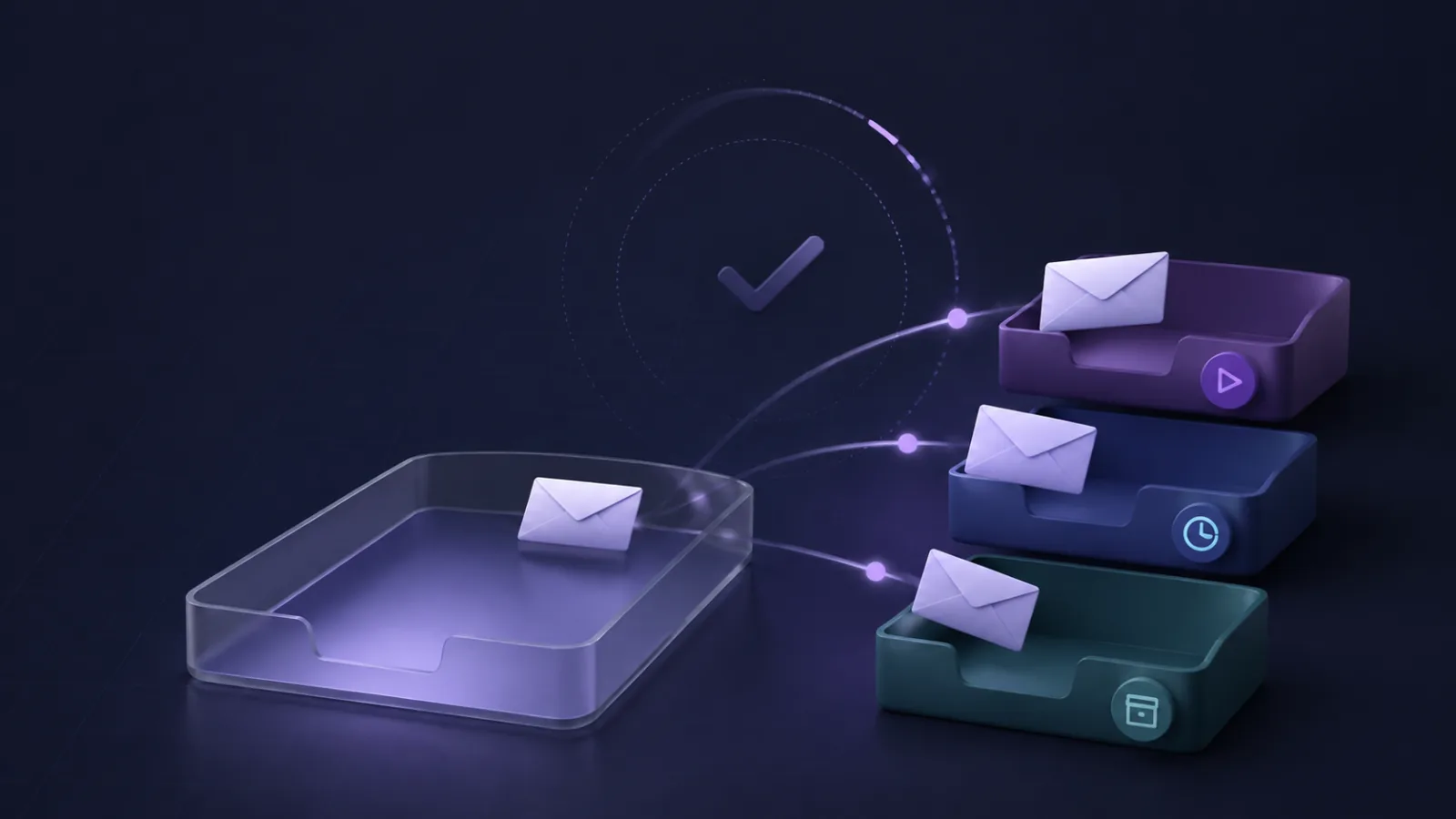
Inbox zero is useful when “zero” means no undecided messages. It is not useful when it means checking email all day or archiving messages before you know what they need.
Treat the inbox as a temporary decision queue. Labels hold state, filters remove predictable noise, and scheduled triage keeps email from interrupting the rest of the day.
Define done
Every opened message should end in one of four states:
- reply now if it takes a few minutes
- create a task for longer work, then archive
- label
Waitingwhen someone else owns the next move - archive reference or optional reading under a useful label
Leaving a message in the inbox is also valid when it needs judgment you cannot make yet. The goal is clarity, not a screenshot of an empty inbox.
Set two or three review times
Choose fixed times that fit your work, such as morning, after lunch, and late afternoon. Close the inbox between sessions if your role allows it. Keep notifications only for the small set of people or systems that truly require interruption.
Remove predictable mail from the first pass
Use Gmail filters for known newsletters, receipts, and automated notices. Apply a label and observe the rule before adding “Skip the Inbox.” Our Gmail filters guide shows how to test queries safely.
Meaning-based mail can receive an AI label, but uncertain messages should stay visible. The automatic sorting guide compares the available methods.
Keep the label system small
Start with Action, Waiting, Read later, and a few record labels. A label that you never open is not organizing anything. Review and remove unused labels monthly.
The Gmail labels guide includes a seven-label test for deciding what belongs.
A ten-minute triage routine
- Scan sender and subject for obvious low-risk archive items.
- Reply to messages that take less than a few minutes.
- Turn larger commitments into tasks with a due date.
- Apply
Waitingto delegated conversations. - Leave ambiguous or high-stakes mail visible.
- Stop when the scheduled block ends.
If the inbox is still large, continue at the next scheduled time. A time boundary prevents email from absorbing the whole day.
What to track
Track missed messages, not just inbox count. Also note how much time the first triage pass takes and how often you check optional labels.
If an archive rule causes a miss, disable it and return to label-only behavior. If a label never gets opened, remove it. Inbox zero should reduce uncertainty and checking, not create hidden piles.
For a broader design that combines native rules with meaning-based tags, start with the Gmail automation guide.